
Canceling a Reservation

1. After logging in to the EMS Web App, click "My Events"

2. Navigate to your reservation date or click "Reservations" to find a listing of your upcoming reservations.

3. Click on the name of the reservation you wish to cancel.

4. Click "Cancel Reservation" on the right.

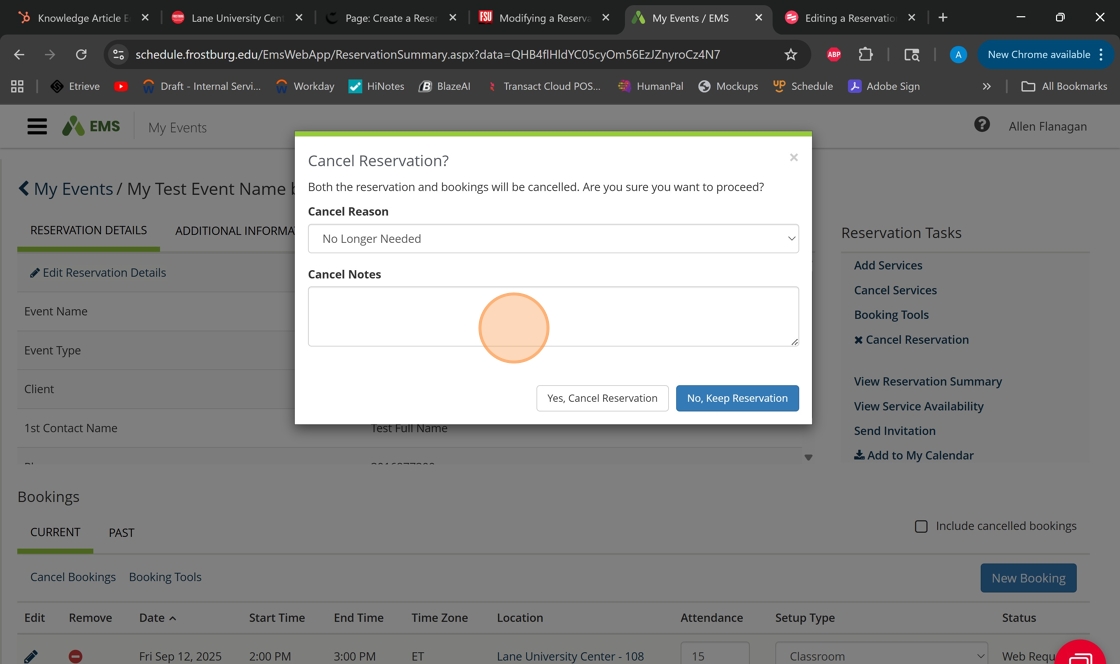
5. Enter the reason for the cancellation and any needed notes on the reason for cancellation.
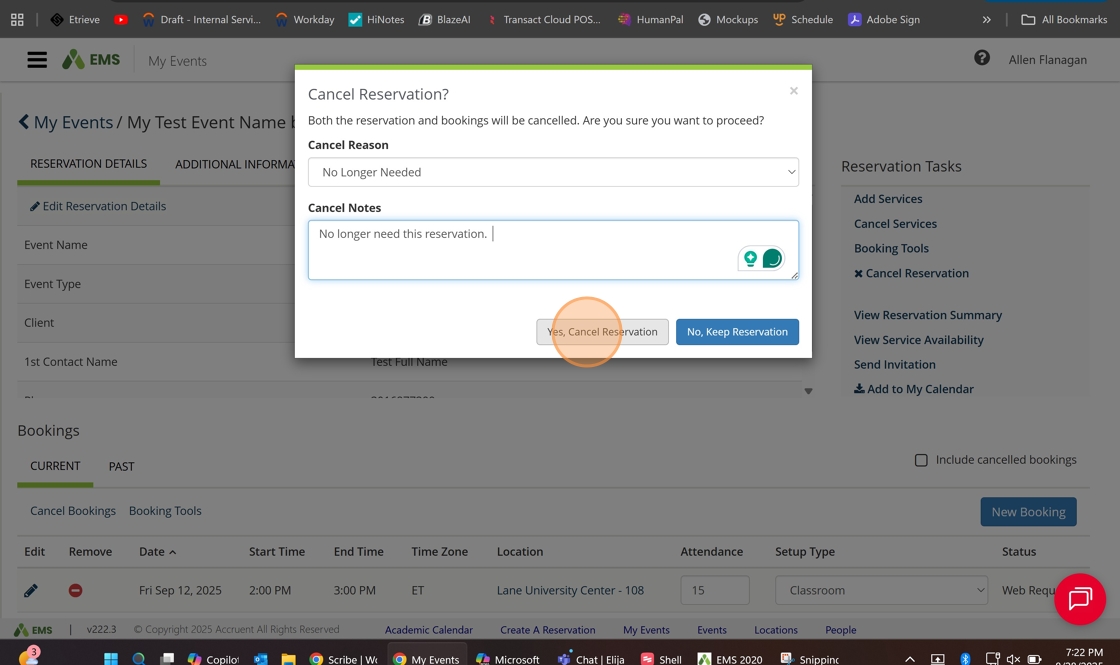
6. Click "Yes, Cancel Reservation"
7. You'll now see the status as "Cancel" for this reservation.

Lane University Center | Hours & Contact Information

Regular Semester Hours
Sunday | 3 p.m. - 8 p.m.
Monday - Friday | 7:30 a.m. - 9 p.m.
Saturday | 12 p.m. - 9 p.m.

Winter Break Hours
Saturday, December 20 & Sunday, December 21 | CLOSED
Monday, December 22 & Tuesday, December 23 | 7:30 a.m. - 4:30 p.m.
Wednesday, December 24 - Sunday, January 4, 2026 | CLOSED

Intercession Hours (January 5 - January 24, 2026)
Sunday | CLOSED
Monday - Friday | 7:30 a.m. - 4:30 p.m.
Saturday| CLOSED
Monday, January 19, 2026 | Closed

Lane University Center
101 Braddock Road
Frostburg, MD 21532
301.687.4411 | luc@frostburg.edu

Event Services Office | Hours & Contact Information

Monday - Friday | 9 a.m. - 5 p.m.

Winter Break Hours
Saturday, December 20 & Sunday, December 21 | CLOSED
Monday, December 22 & Tuesday, December 23 | 7:30 a.m. - 4:30 p.m.
Wednesday, December 24 - Sunday, January 4, 2026 | CLOSED

Intercession Hours (January 5 - January 24, 2026)
Sunday | CLOSED
Monday - Friday | 7:30 a.m. - 4:30 p.m.
Saturday| CLOSED
Monday, January 19, 2026 | Closed

Lane University Center
101 Braddock Road
Frostburg, MD 21532
301.687.7399 | events@frostburg.edu 

One Stop Shop certified image from ACCED-I.